YouCine in the USA: Does It Work, Is It Legal, and the Best Setup for American Viewers
Most YouCine guides are written for Brazil — Pix payments, Portuguese menus, blocking operations. Searching from the United States, your questions are different: does this Android app work on American networks, what does US law say about it, and what is the sensible way to watch it on a US television? This page answers the American version of every question.
Quick Answer
Quick Answer: Yes — YouCine works in the USA the same way it works anywhere. It is an Android APK (current version v1.17.6, about 43 MB, Android 5.0+), installed manually because it is in no app store. Americans face none of Brazil’s court-ordered ISP blocking waves, so access is generally more stable. Legally it is a grey zone: the content is unlicensed, and US enforcement targets commercial operators, not viewers — the full breakdown is in our legal guide. The most natural US setup is a Fire TV Stick.
Why this page exists: in this site’s own Search Console data, the US sends more search impressions than any other country — and clicks almost none of them. The likely reason: the internet’s YouCine content is written Brazil-first, and an American landing on a page about Pix payments and Operação 404 reasonably concludes it is not for them. What follows is this site’s usual honesty, re-aimed at the US: no download button, nothing to sell, the uncomfortable parts left in.
Does YouCine Work in the USA?
Technically, nothing about YouCine is Brazilian. It is an Android app distributed as an APK, so it runs on any compatible device on any network — the current build covered by this site’s guides is v1.17.6, roughly 43 MB, needing Android 5.0 or newer. What you will not find is a store presence — not in the Play Store, Amazon Appstore or App Store, in the US or anywhere else. Every install is a manual sideload — a normal Android capability, and why the safety checks in our Is YouCine Safe? guide matter before you install anything.
The bigger US–Brazil difference is the network environment. In Brazil, anti-piracy operations periodically force ISPs to block the domains and addresses apps like this depend on, so the app “stops working” for whole regions at once. The US has no equivalent regime of court-ordered ISP blocking for streaming apps — no American Operação 404. American access is steadier in practice; when YouCine fails in the US, the cause is usually the service, the app, or your own setup — our not-loading guide separates them in about two minutes.
Is It Legal in the US? (The Short Version)
This is a summary, not legal advice — the full treatment, with the Brazilian comparison, is our Is YouCine Legal? guide. The short version has three parts. Installing an APK on your own device is not, by itself, an offence; sideloading is a feature Android ships with. The content is the problem: the films and series YouCine streams are distributed without licences, and US copyright law protects them. And enforcement: the Protecting Lawful Streaming Act targets commercial pirate services — the operators; viewers were deliberately not its target. “Not the target” is not the same sentence as “legal”, and this site will not pretend otherwise. If you want zero legal ambiguity, skip to the legal free options below — they are genuinely good in the US.
The Best Setup for US Viewers
American streaming runs on sticks and boxes, and YouCine fits that pattern — as long as the device runs Android underneath. Ranked by how naturally they fit US living rooms:
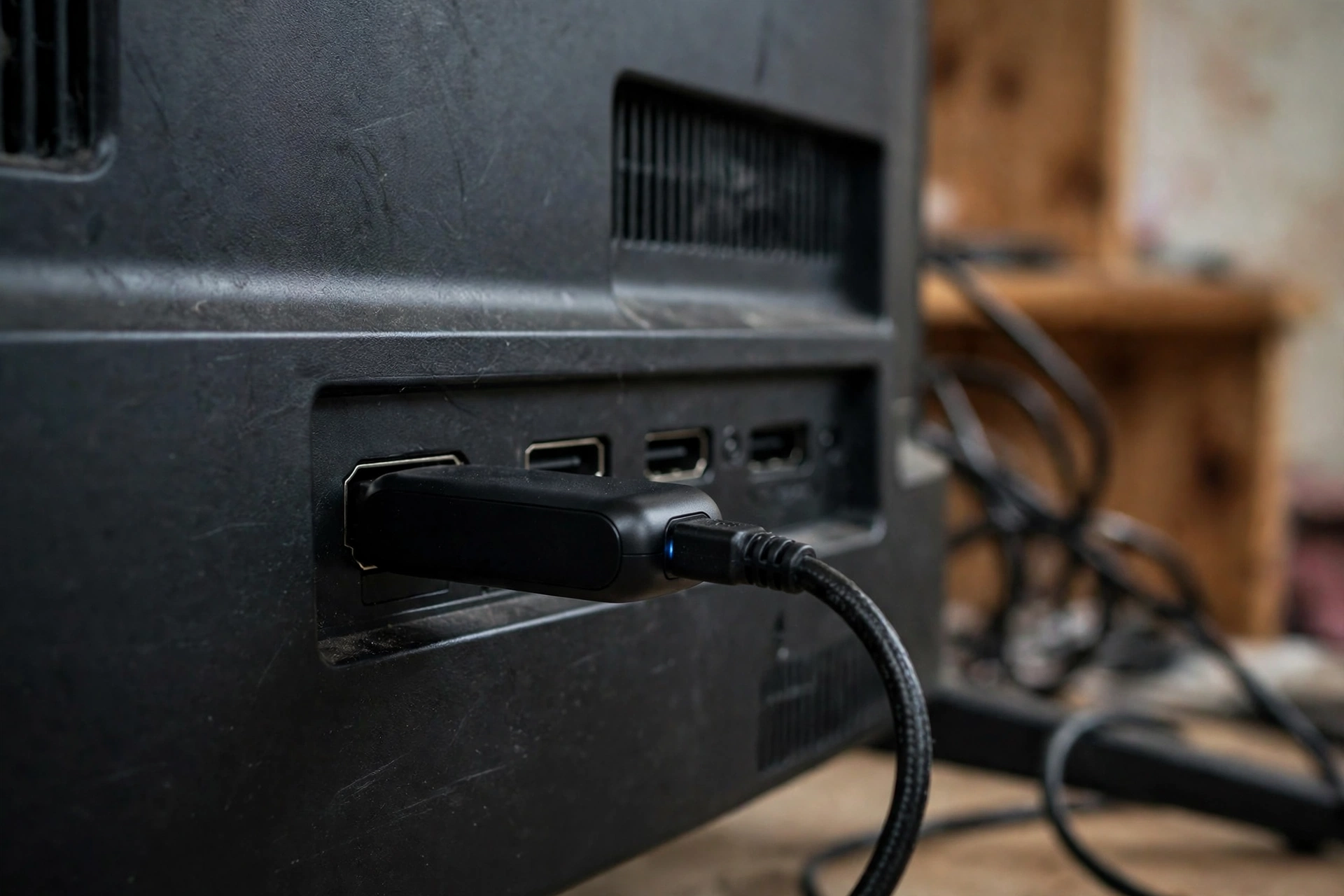
- Fire TV Stick / Fire TV (the default US choice). Fire OS is Android-based, the Downloader sideloading route is well-worn, and the stick is cheap and everywhere. Our Firestick guide has the exact steps, including Developer Options and allowing the install.
- Android TV / Google TV devices (Sony/TCL TVs, Chromecast with Google TV, Nvidia Shield, generic boxes): the same APK installs the same way.
- Phones and tablets: any Android phone running 5.0+ works directly.
- Roku — the honest exception. Roku is not Android and cannot install an APK, full stop; the only route is mirroring an Android phone’s screen to it, with mirroring’s usual lag and quality limits.
- Samsung and LG televisions: Tizen and webOS cannot install APKs either — plug in a stick or box from options 1–2 instead.
Paying for VIP from the US: What to Know
There is no official YouCine store — not in the US, not anywhere. Paid “VIP” access is sold by independent resellers through their own pages, groups and messaging apps, and what a plan includes is whatever that seller says it is: there are no official plan names, tiers or US price lists to check a seller against, and a tidy official-looking price table is always the seller’s own. Brazil’s complaint record — from the biggest market — is dominated by payments that never activated and sellers who vanished, and the same mechanics apply to a buyer in Ohio as in São Paulo. Before paying anyone, read our VIP payment problems guide: keep the shortest commitment offered, get device coverage confirmed in writing, keep every receipt and chat screenshot.
YouCine vs the Legal Free Options in the US
US readers have something Brazilian readers mostly do not: a strong bench of free, legal, ad-supported services. Pluto TV and Tubi stream large catalogues free with ads, in proper app stores, on every platform including Roku. The Roku Channel serves Roku households. Amazon folded its Freevee service into Prime Video in 2025, so its free catalogue now sits in Prime Video’s free-with-ads section, watchable with a plain Amazon account. The trade, plainly: the legal services are licensed, stable, unblockable and never ask for a reseller payment — but a given new release may not be there. YouCine exists in the gap they leave.
Reading from Brazil Instead?
You are this site’s biggest audience, and you are not lost: most guides here — the legal guide included — carry a full Portuguese section, and the payment, blocking and complaint coverage was researched in Brazil first. This page is its American companion.
Frequently Asked Questions
Not directly — Roku is not Android and cannot install APK files. Mirror an Android phone to it, or plug an Android-based device (Fire TV Stick, Android TV box) into the same television.
It depends entirely on the title. The catalogue is international; options vary by title, and no title is guaranteed English audio or subtitles. If consistent English dubs and subtitles matter to you, the legal US services above are the reliable route.
No — it has no app-store presence in any country. It is installed manually as an APK (v1.17.6, about 43 MB, Android 5.0+), which is why verifying your source matters.
The US has no court-ordered ISP blocking programme for streaming apps of the kind Brazil runs, so blocking waves are not a feature of American access. If the app will not load, it is almost certainly the app, the service or your local setup — our not-loading guide tells them apart.
The app is free to install and basic use is free. Paid “VIP” tiers exist, but independent resellers sell them, not any official store — read the VIP section before paying anyone.
Installing the app is not an offence; the content it streams is unlicensed, which is the illegal part of the ecosystem. US enforcement (the Protecting Lawful Streaming Act) targets commercial operators rather than viewers — a description of enforcement, not a promise of legality. Full breakdown in our legal guide. This is information, not legal advice.
Final Thoughts
For an American viewer, YouCine is simpler than the Brazil-first internet makes it look: the same APK, a steadier network, a Firestick-shaped setup — and the same two honest caveats as everywhere on this site. The content is unlicensed, and the money, if you spend any, goes to resellers with no store behind them. Watch, pay, or pass — with those facts in front of you.