
YouCine for Firestick (2026) – Installation Guide, Setup, Fixes & Best Streaming Tips
Many users search for YouCine on Firestick because they want a simple way to stream movies, TV shows, and live entertainment on a big screen without using complicated devices. Firestick is one of the most popular streaming devices, and when paired with lightweight apps like YouCine, it becomes a powerful home entertainment setup.
In this complete guide, you will learn how to install YouCine on Firestick, how to fix common issues, how to improve performance, and what to do if the app does not work properly.
This page is focused only on Firestick users, so everything here is practical and device-specific.
What is YouCine on Firestick?
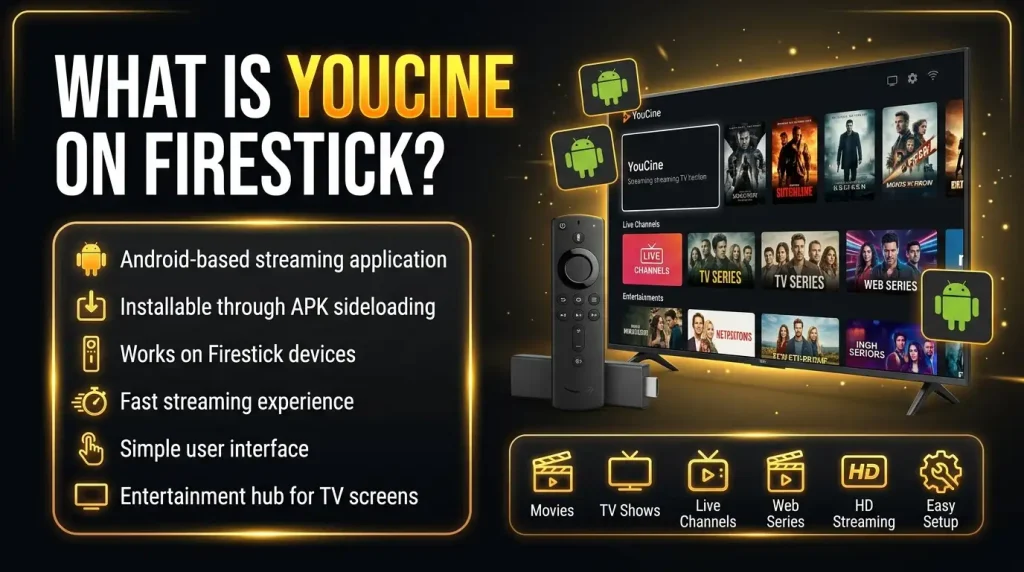
YouCine is an Android-based streaming application that can be installed on Firestick devices using manual installation methods. Since Firestick runs on a modified Android system, it allows users to install APK files through sideloading.
Once installed, YouCine turns Firestick into an entertainment hub where users can watch:
It is popular among users who want a simple interface and fast streaming experience on their TV screens.
Why Users Prefer YouCine on Firestick?
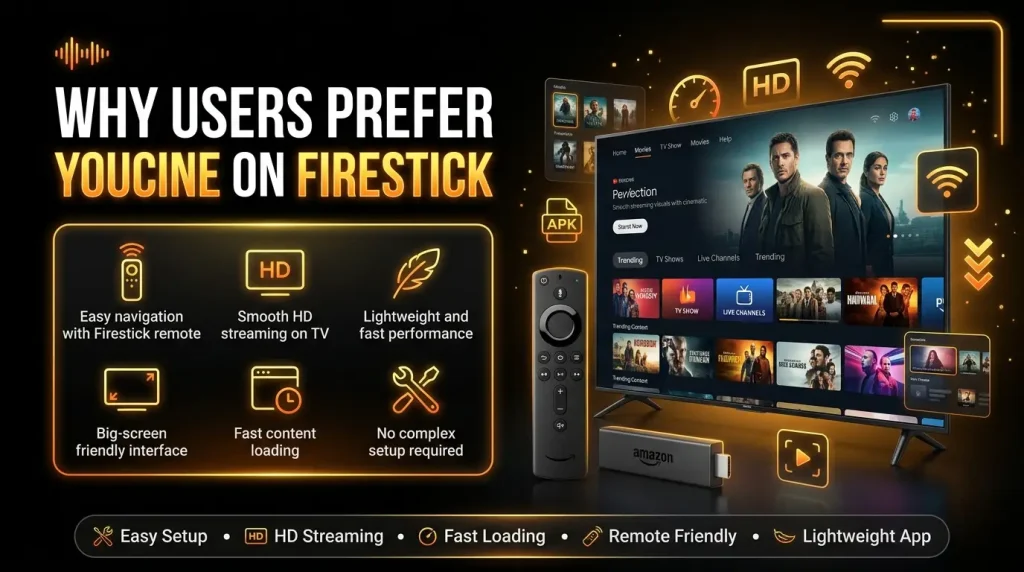
Firestick users choose YouCine because it provides a smooth and flexible streaming experience compared to many heavy apps.
Some key reasons include:
This makes it a practical choice for home entertainment systems.
Requirements Before Installing YouCine on Firestick
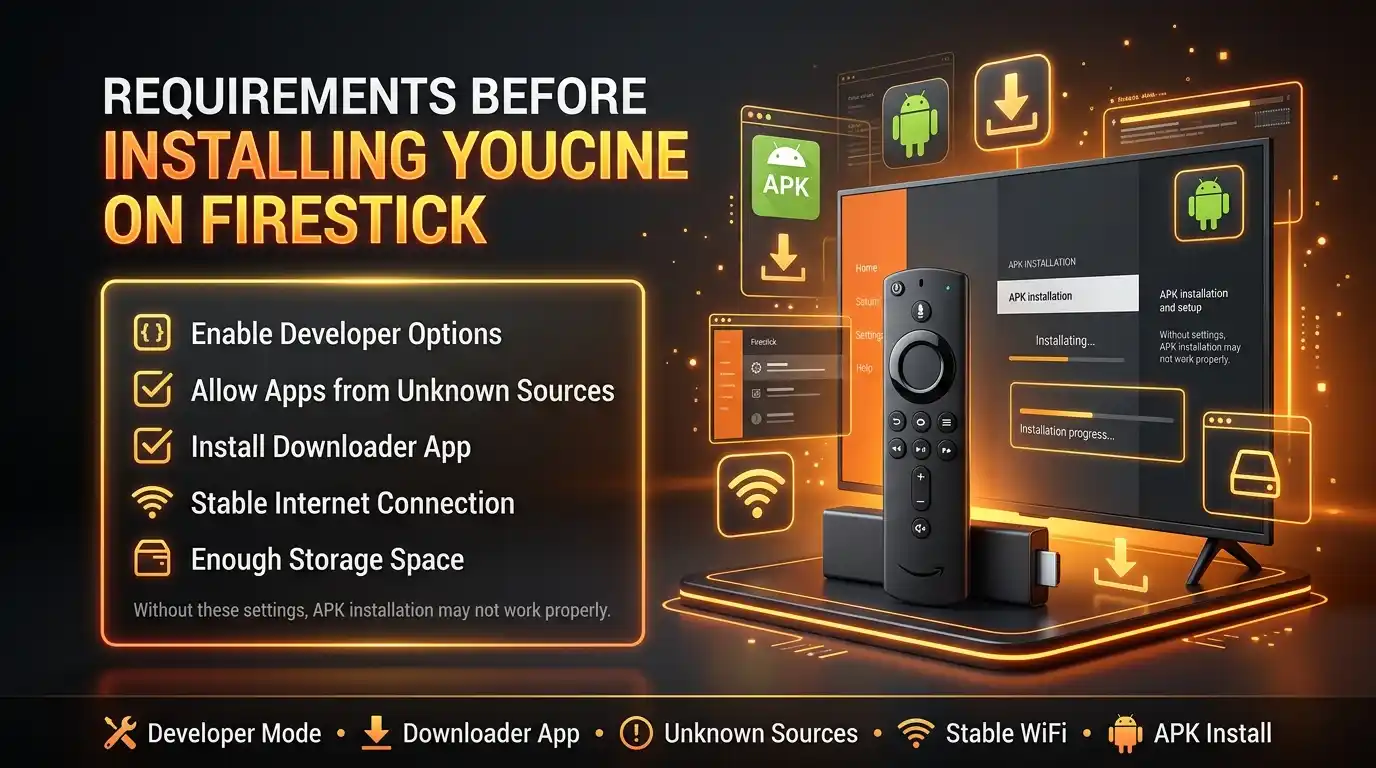
Before installation, you need to prepare your Firestick device properly.
You should:
Without these settings, APK installation will not work properly. You will also need an Amazon account signed in (needed to get Downloader from the Amazon Appstore).
How to Install YouCine on Firestick (Step-by-Step Guide)
Follow this method carefully to install the app correctly. If you want to use it on desktop, check our detailed YouCine for PC (Windows & Mac) installation guide for simple setup steps and helpful instructions.
The whole process takes about 5 minutes. You do not need a computer.

Step 1: Enable Developer Options
From the Firestick home screen, go to Settings → My Fire TV → About. Highlight your device name (for example “Fire TV Stick 4K”) and press the Select button on the remote 7 times. You will see a message “You are now a developer”. Go back one screen — a new Developer Options menu now appears under My Fire TV. (On older models, Developer Options is already visible.)
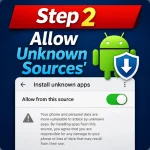
Step 2: Allow Unknown Sources
Open Developer Options. On Fire OS 7 and newer, choose Install unknown apps, select Downloader (after Step 3) and turn it On. On older Fire OS versions, turn on Apps from Unknown Sources directly.
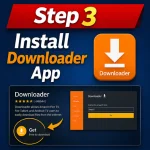
Step 3: Install Downloader App
Go back to the home screen, open Search (magnifying glass) → type “Downloader”. Select the orange Downloader app by AFTVnews and choose Download / Get. It is free.
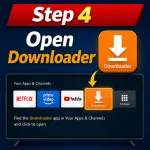
Step 4: Open Downloader
Open Downloader. When it asks for permission to access files and media, choose Allow — it needs this to save the APK file. If an update notes screen appears, press OK.

Step 5: Enter APK Link
In the Downloader home field, type the address of our download page: youccine.com/download and press Go. You will be taken to the download page — choose the download button for the latest version (v1.17.6, 43 MB). Note: YouCine has no official “Downloader code”; short codes shared on random websites change often and can point to wrong files, so the page address is the safe route.
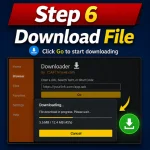
Step 6: Download File
Wait for the 43 MB file to finish downloading. Do not press anything while the progress bar is moving. On a normal connection this takes under a minute.
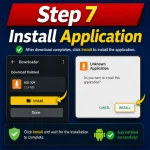
Step 7: Install Application
The install screen opens automatically. Choose Install. If you see “App not installed”, check the fixes in the Common Problems section below (usually low storage or an older copy already installed).
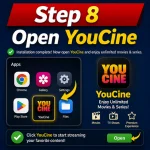
Step 8: Open YouCine
Choose Open to start YouCine. The first time, also do this: back in Downloader you will be asked about the downloaded file — choose Delete. The APK file is no longer needed, and deleting it frees about 43 MB, which matters on an 8 GB Firestick.
Quick Facts for Firestick
- Latest Version: v1.17.6
- File Size: 43 MB
- Works on: Fire TV Stick Lite, Fire TV Stick (2nd Gen or newer), Fire TV Stick 4K & 4K Max, Fire TV Cube
- Requirement: Android 5.0+ base (all current Fire TV models meet it)
- Price: Free basic use.
Best Features of YouCine on Firestick
YouCine offers several useful features for Firestick users. To explore playback options, device compatibility, subtitles, and performance improvements, check the detailed YouCine APK Features guide.
HD Streaming Quality
Supports multiple video resolutions for smooth playback depending on internet speed.
TV-Friendly Interface
Designed specifically for large screens and remote navigation.
Fast Content Loading
Optimized servers reduce buffering and loading delays.
Lightweight Performance
Does not slow down Firestick devices.
Subtitle Support
Allows users to watch content in different languages.
Simple Navigation
Categories are easy to access using Firestick remote.
Common Problems on Firestick (And Solutions)
Even though YouCine works well, users sometimes face issues on Firestick.
YouCine Not Installing on Firestick
This is a common issue during setup.
Causes:
Solution:
App Not Opening
Sometimes the app crashes or does not open.
Solution:
Buffering Issue
Buffering can interrupt streaming experience.
Causes:
Solution:
For every cause and fix in detail, see our guide on why YouCine keeps buffering.
Remote Navigation Lag
Sometimes Firestick remote feels slow.
Solution:
For the settings that make playback smoother, see how to reduce streaming lag.
Black Screen Problem
App opens but shows blank screen.
Solution:
“App Not Installed” Error
- Check storage: Settings → My Fire TV → About → Storage; delete unused apps until ~500 MB is free.
- If an older YouCine copy exists, uninstall it first, then install fresh.
- Re-download the file — a broken download is a common cause; delete the old file in Downloader first.
- Restart the Firestick (Settings → My Fire TV → Restart) and try again.
Developer Options Not Showing
Developer Options is hidden by default on newer Firesticks. Go to Settings → My Fire TV → About and press Select on your device name 7 times. The menu appears under My Fire TV right away — no restart needed.
YouCine Installed but Not Showing
Sideloaded apps sometimes do not appear on the home row. Press and hold the Home button → Apps → look under “Your Apps & Channels”. You can move YouCine to the front: highlight it, press the Menu button on the remote, choose Move to front.
How to Update YouCine on Firestick
YouCine is not on the Amazon Appstore, so it does not update itself. Updating is simple: repeat Steps 5–7 above with the newest file. Installing the new version over the old one keeps your account and settings — do not uninstall first. If an update ever fails, uninstall the old version and install fresh; you can sign in again afterwards.
Is YouCine Safe for Firestick?
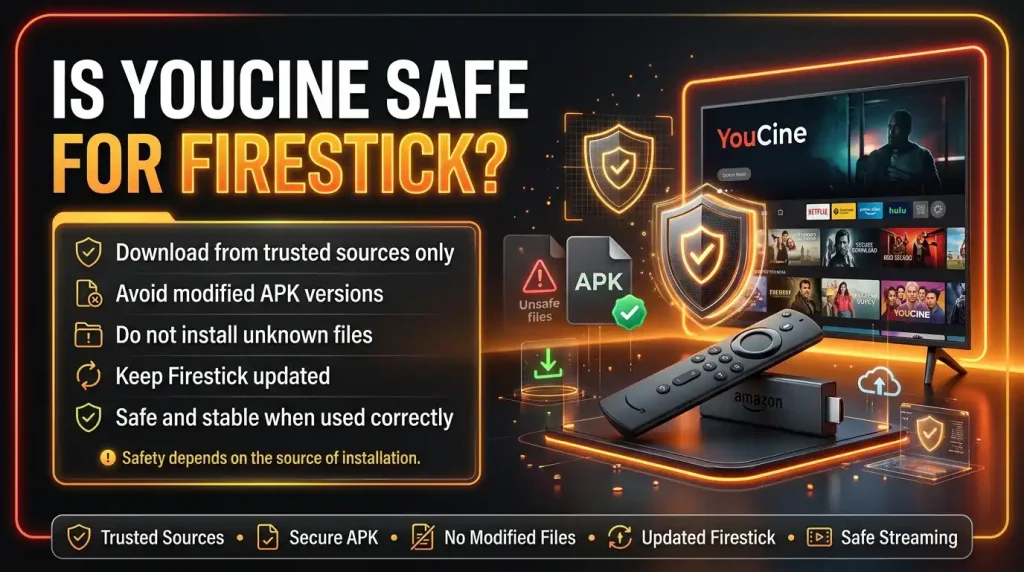
Safety depends on the source of installation.
To stay safe:
- Download from trusted sources only
- Avoid modified APK versions
- Do not install unknown files
- Keep Firestick updated
If used correctly, it is generally stable for streaming purposes. For users exploring Apple devices, you can also check our detailed YouCine for iOS (iPhone & iPad) installation guide for setup help and useful guidance.
Performance Tips for Better Streaming
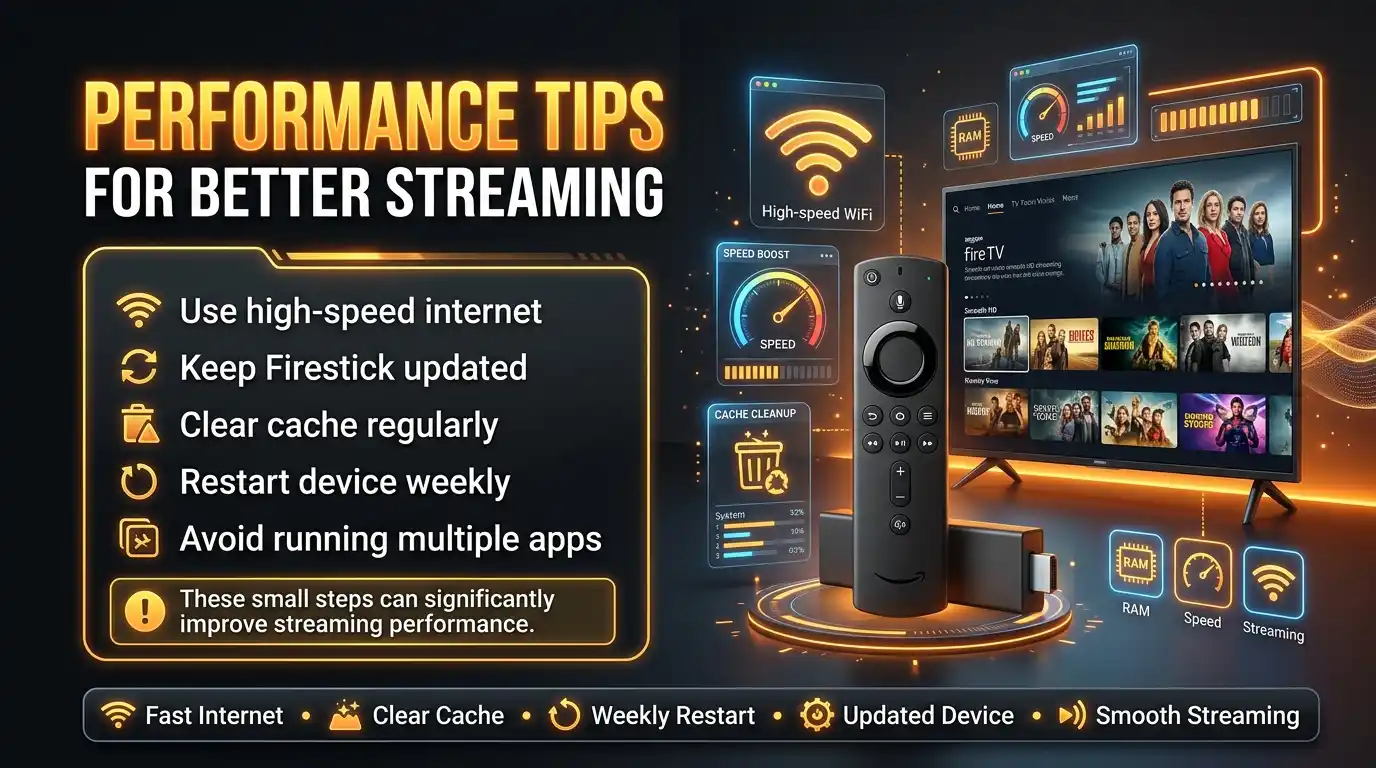
To improve YouCine experience on Firestick:
- Use high-speed internet
- Keep Firestick updated
- Clear cache regularly
- Restart device weekly
- Avoid running multiple apps
These small steps can significantly improve performance.
Advantages of Using YouCine on Firestick
Here are the real benefits users experience:
- Big screen entertainment
- Easy remote control navigation
- Smooth HD streaming
- Lightweight app performance
- Simple installation process
- Wide content availability
This makes it a good option for home streaming setups.
Limitations of YouCine on Firestick
Even though it is useful, it has some limitations:
- Not available on Amazon App Store
- Requires manual installation
- Occasional buffering issues
- Depends on internet quality
- No official customer support
Still, users prefer it due to its simplicity and convenience
YouCine Alternatives for Firestick Users
If YouCine does not work properly, you can try these alternatives:
- Kodi
- Cinema HD
- TeaTV
- BeeTV
- Stremio
These apps also support Firestick and offer similar streaming features.
Using an Android TV instead? See our YouCine for Android TV guide.
FAQs
Final Thoughts
YouCine on Firestick is a practical solution for users who want a simple and lightweight streaming experience on their TV. It provides smooth navigation, HD streaming support, and easy installation through APK sideloading.
While it is not available on Amazon App Store, users still prefer it because of its flexibility and ease of use.
If installed correctly and used with a stable internet connection, YouCine can turn your Firestick into a complete home entertainment system.