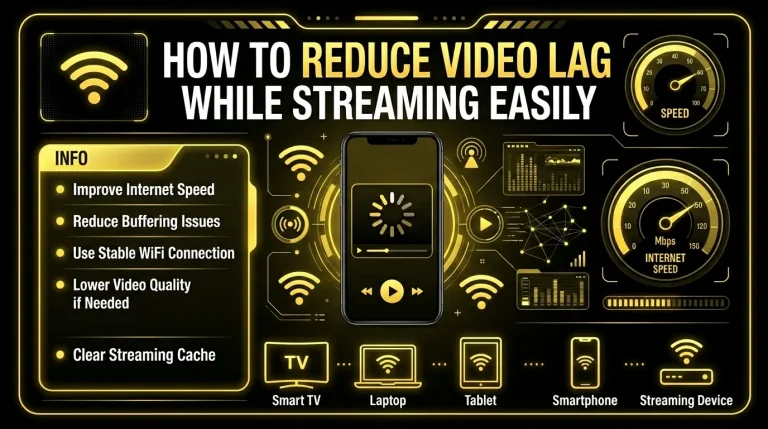
Why Streaming Apps Buffer Frequently Explained
Streaming technology has changed the way people watch movies, live channels, sports, and digital entertainment. Whether someone uses a smartphone, Smart TV, Android device, or desktop platform, streaming apps now make content available within seconds. However, one problem continues to frustrate users across almost every platform: buffering.
Many people search online to understand why streaming apps buffer frequently, especially when videos suddenly pause, loading circles appear repeatedly, or playback quality drops unexpectedly. In some situations, buffering only happens occasionally. In others, it becomes so frequent that the viewing experience feels unstable and frustrating.
Buffering is not always caused by a single issue. In reality, multiple technical factors can affect streaming performance at the same time. Internet speed, device limitations, overloaded servers, background applications, outdated software, Wi-Fi instability, and playback settings can all influence how smoothly a streaming platform works.
Understanding these causes is important because many users assume buffering only happens because of “slow internet.” While internet speed is definitely important, it is only one part of a much larger system. In many cases, a device may technically have fast internet but still struggle with video playback because of hardware limitations, network congestion, or streaming optimization problems.
This guide explains the most common reasons streaming applications experience interruptions and slow playback. It also explores how different technical conditions affect video loading performance and what users can do to improve streaming stability over time.
What Does Buffering Actually Mean?
Before understanding the causes, it helps to understand what buffering really is.
Buffering happens when a streaming application temporarily pauses playback to load additional video data. Streaming platforms continuously download small parts of a video while it is being watched. If the app cannot receive data quickly enough, playback pauses until more content is loaded into temporary memory.
In simple terms:
When this process becomes slower than the playback speed, buffering starts appearing.
This is why users often see:
- Loading circles
- Frozen playback
- Sudden pauses
- Reduced video quality
- Audio and video delays
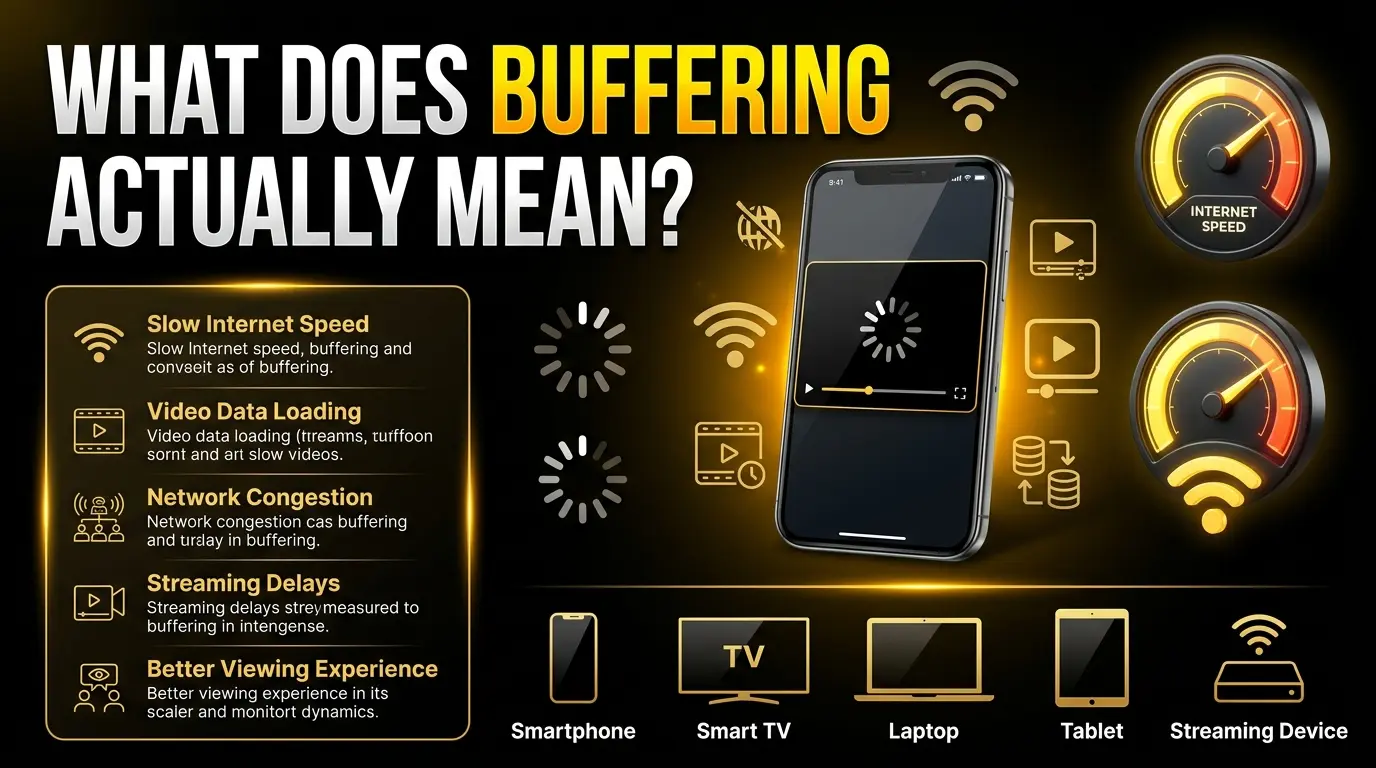
Some buffering is normal, especially when starting a new video. Frequent interruptions, however, usually indicate performance problems somewhere within the streaming process.
Slow or Unstable Internet Connection
One of the biggest reasons streaming interruptions occur is unstable internet performance.
Most modern streaming applications require a steady flow of data. If the internet connection becomes inconsistent, video playback may stop repeatedly while the app waits for more information to load.
Many users focus only on “internet speed,” but consistency matters just as much as raw speed. For example:
Internet performance may also vary depending on:
- Distance from the router
- Device quality
- Signal interference
- Time of day
- Number of connected users
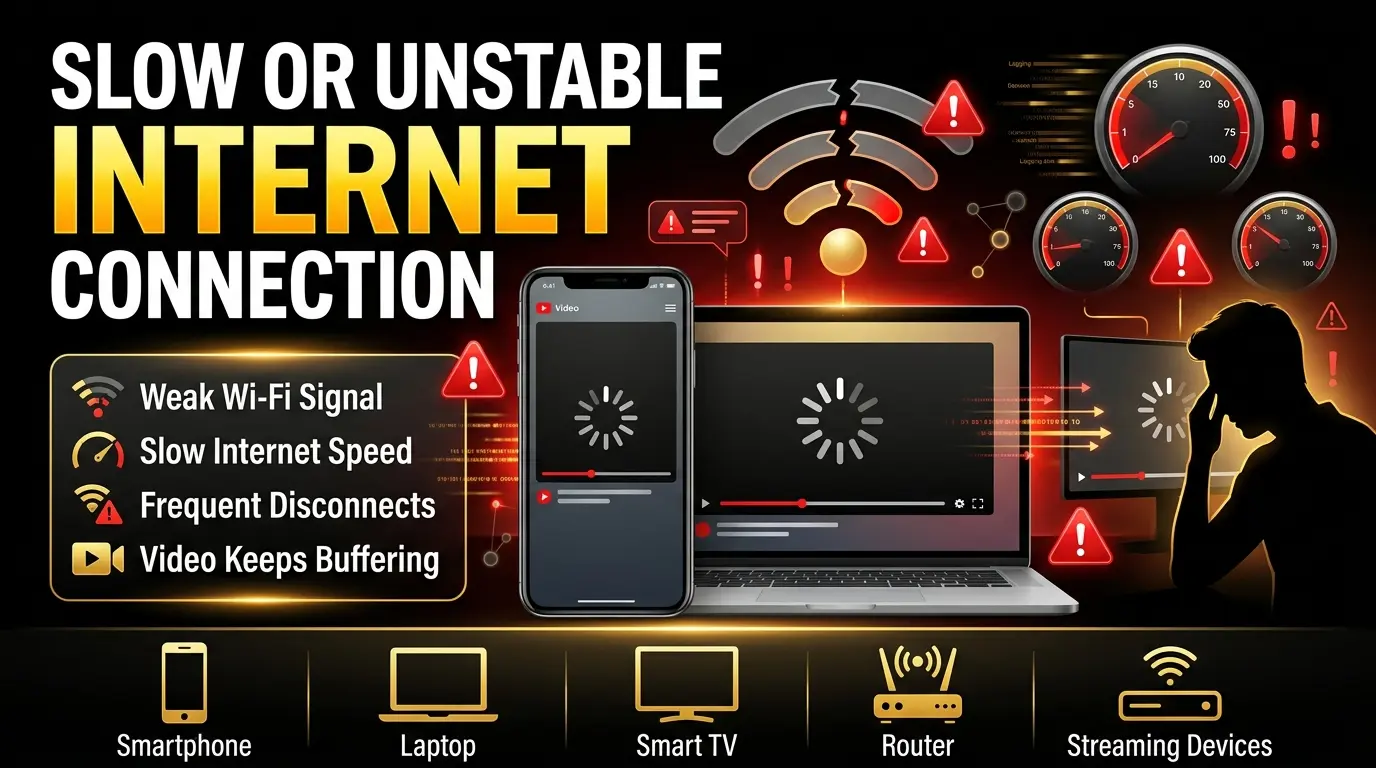
Streaming in HD or higher quality requires more bandwidth. If several devices are using the same network simultaneously, available bandwidth may become limited, causing playback interruptions.
In some homes, internet plans may technically support streaming but struggle during peak hours when network demand increases. This is especially common in areas where multiple users share the same service provider infrastructure.
Device Performance and Hardware Limitations
Even when internet speeds are good, devices themselves can still create buffering problems.
Streaming applications rely heavily on device resources such as:
Older phones, TVs, and low-powered devices may struggle to process modern streaming applications efficiently. When hardware resources become overloaded, playback performance often decreases.
For example:
- Limited RAM may cause app freezing
- Weak processors can struggle with HD playback
- Overheating devices may slow performance
- Full storage can affect temporary cache loading

This becomes more noticeable when users keep many apps running in the background. Devices may divide processing power between multiple applications, leaving fewer resources available for streaming.
Sometimes buffering has nothing to do with internet quality at all. Instead, the device simply cannot process data quickly enough to maintain smooth playback.
This is one reason performance optimization has become increasingly important for modern streaming platforms. Future optimization-focused systems such as the YouCine Performance Optimization System may help users better understand playback efficiency, device configuration, and resource management.
Background Applications and Resource Usage
Another common reason streaming apps buffer frequently is excessive background activity.
Many users unknowingly run multiple applications simultaneously while streaming content. Social media apps, browser tabs, downloads, cloud synchronization, gaming processes, and automatic updates can all consume system resources in the background.
These processes may affect:
For example, automatic software updates running silently in the background can temporarily consume large amounts of bandwidth. Similarly, cloud backup systems may upload files continuously without users realizing it.
On mobile devices, background activity often becomes even more aggressive because many apps continue refreshing data automatically.
As resource usage increases, streaming apps receive fewer available resources, making playback less stable.
This problem becomes especially noticeable on:
- Budget smartphones
- Older Android devices
- Entry-level Smart TVs
- Low-memory TV boxes
- Devices with limited storage
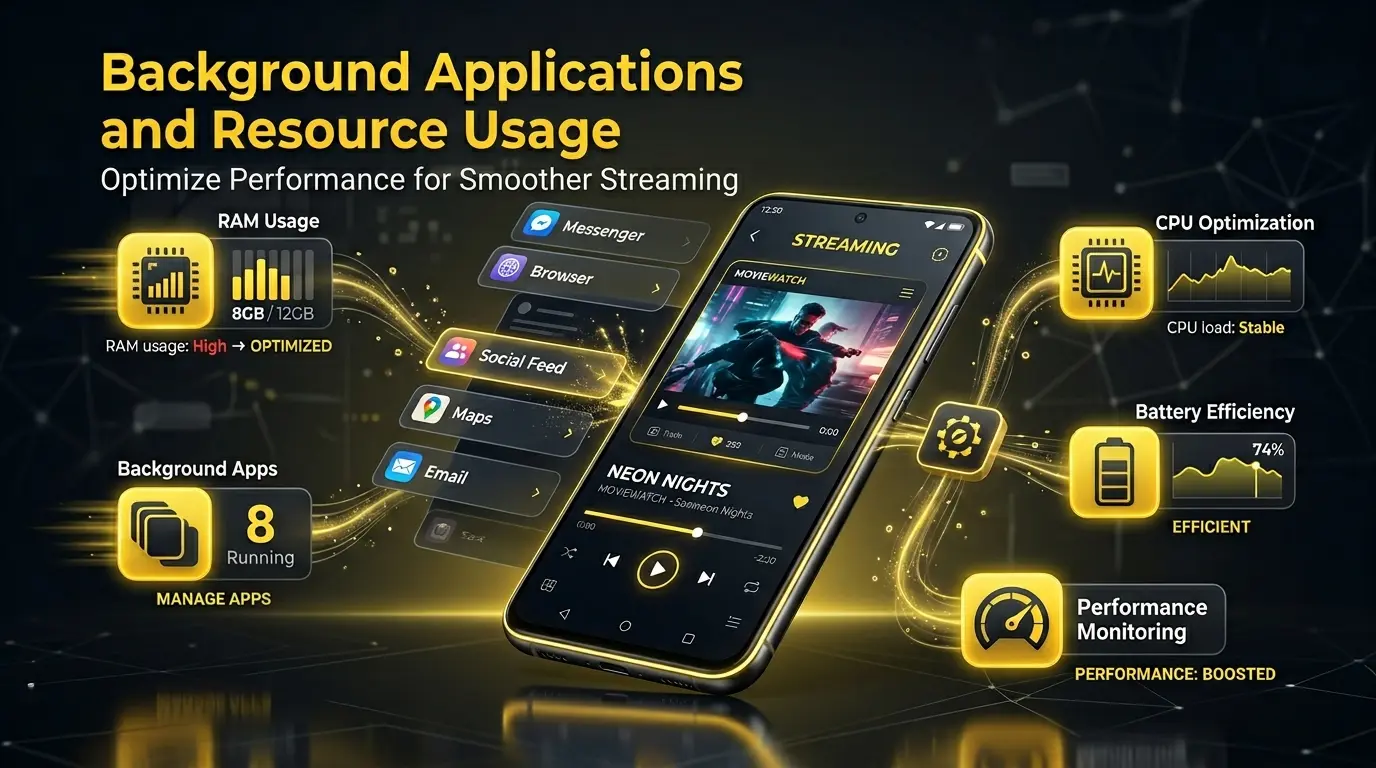
Reducing unnecessary background activity often improves streaming consistency significantly.
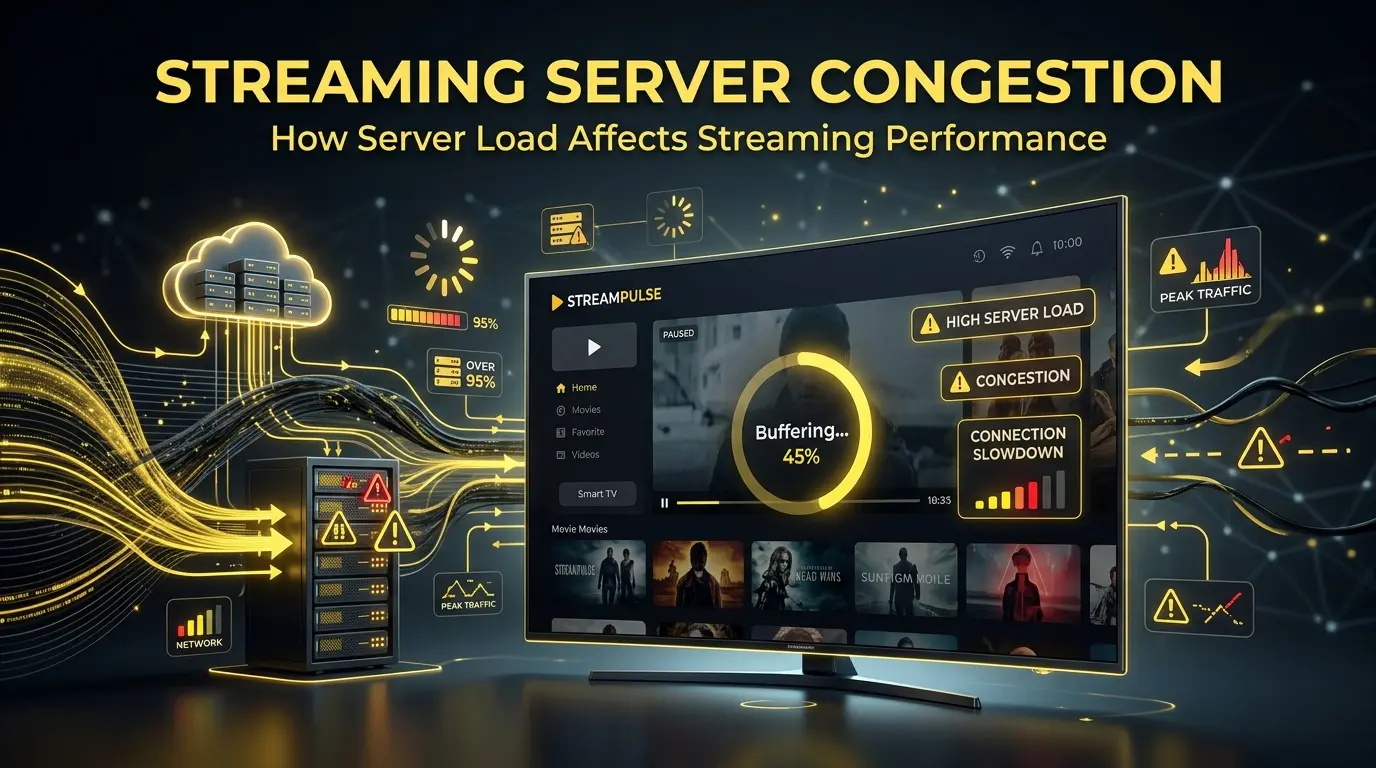
Streaming Server Congestion
Not all buffering problems come from users or devices. Sometimes the issue exists on the streaming service itself.
Streaming platforms rely on servers to deliver video content to users around the world. When too many users access the same content simultaneously, servers may become overloaded.
This commonly happens during:
When server demand becomes too high, users may experience:
- Slow loading
- Playback interruptions
- Reduced video quality
- Delayed streams
- Connection instability
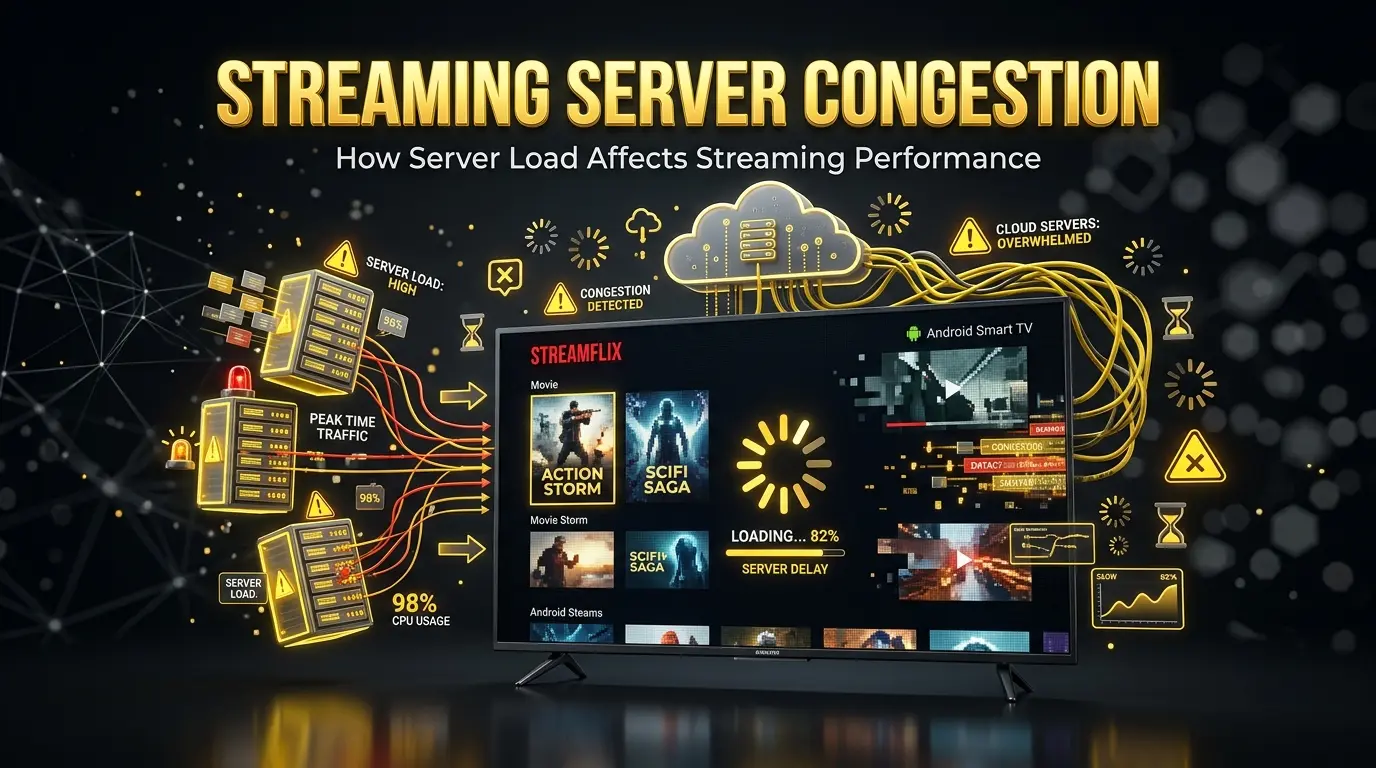
In these situations, even users with strong internet connections may still encounter buffering because the content delivery system itself becomes congested.
Streaming performance can also vary depending on geographical location. Users farther from content delivery servers may experience slightly longer loading times compared to users located closer to optimized server regions.
Cache Problems and Temporary Data Conflicts
Most streaming applications use cache storage to improve loading speed and reduce repeated data usage.
Cache files temporarily store information such as:
Over time, however, excessive cache accumulation may create performance conflicts instead of improving speed.
Common symptoms include:
- App freezing
- Delayed playback
- Random crashes
- Slower navigation
- Frequent buffering
Corrupted temporary files can also interfere with streaming stability. This is especially common after updates or long-term app usage.
Clearing cache periodically may help improve responsiveness and reduce playback interruptions in many streaming applications.
FAQs
Conclusion
Buffering problems can make streaming frustrating, especially when videos pause repeatedly or playback quality suddenly drops. However, understanding why streaming apps buffer frequently helps users identify the real cause instead of assuming internet speed is always the problem.
In many situations, buffering happens because of multiple factors working together, including unstable internet connections, device limitations, background activity, overloaded servers, or temporary app performance issues. Even devices with fast internet may experience interruptions if streaming settings, hardware resources, or network stability are not optimized.
The good news is that many buffering issues can often be reduced through simple improvements such as maintaining a stable connection, clearing temporary cache, reducing background activity, and keeping devices updated. As streaming technology continues to evolve, better optimization systems and smarter performance settings may help create a smoother and more consistent viewing experience for users exploring platforms like YouCine APK.