
How to Reduce Video Lag While Streaming Easily
Streaming has become one of the most common ways people watch movies, live TV, sports, and online entertainment. Whether someone uses a smartphone, Smart TV, Android device, tablet, or desktop platform, smooth playback is expected. However, many users still experience frustrating delays, playback interruptions, frozen frames, or slow video response while watching content online.
This is why many users search for solutions about how to reduce video lag while streaming and improve playback stability across different devices.
Video lag is different from normal buffering. In many situations, videos continue playing but feel delayed, choppy, slow, or out of sync. Playback quality may drop suddenly, actions may respond slowly, or streams may freeze for short moments before continuing again.
The good news is that video lag can often be improved through proper optimization techniques. In most cases, lag happens because of internet instability, overloaded devices, weak Wi-Fi signals, excessive background activity, outdated software, or poor streaming settings.
This guide explains practical ways to improve streaming performance and reduce playback lag naturally without relying on complicated technical adjustments.
Understand What Causes Video Lag
Before fixing lag problems, it is important to understand why they happen.
Streaming applications constantly process large amounts of video data in real time. Devices must download, decode, and display video frames continuously while also handling audio synchronization, subtitles, user interface elements, and network communication.
If any part of this process slows down, video lag may appear.
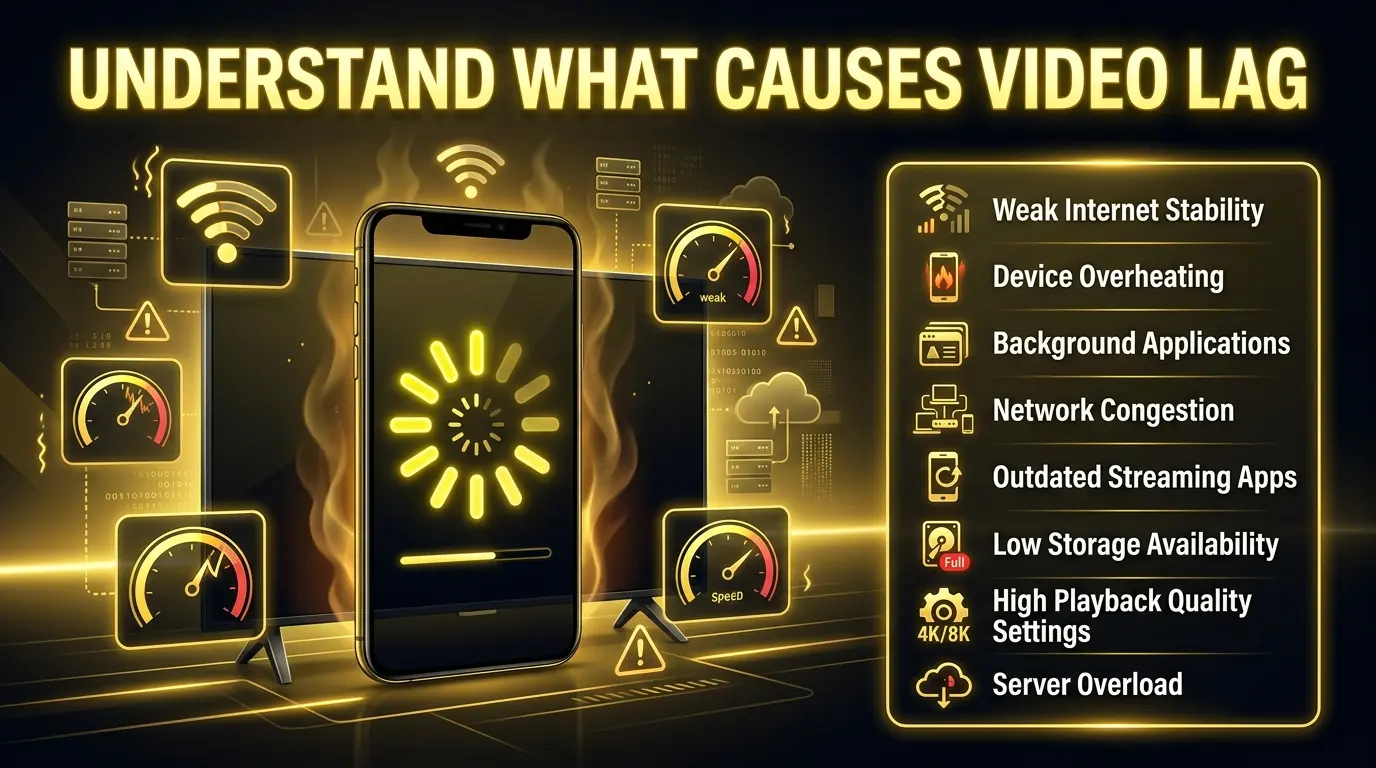
Common causes include:
Many users assume lag only happens because of slow internet, but device performance and network consistency are equally important.
Improve Wi-Fi Stability
One of the most effective ways to reduce streaming lag is improving connection stability.
Even fast internet plans may still experience playback issues if Wi-Fi signals become inconsistent. Wireless interference, router distance, and network congestion can all affect streaming performance.
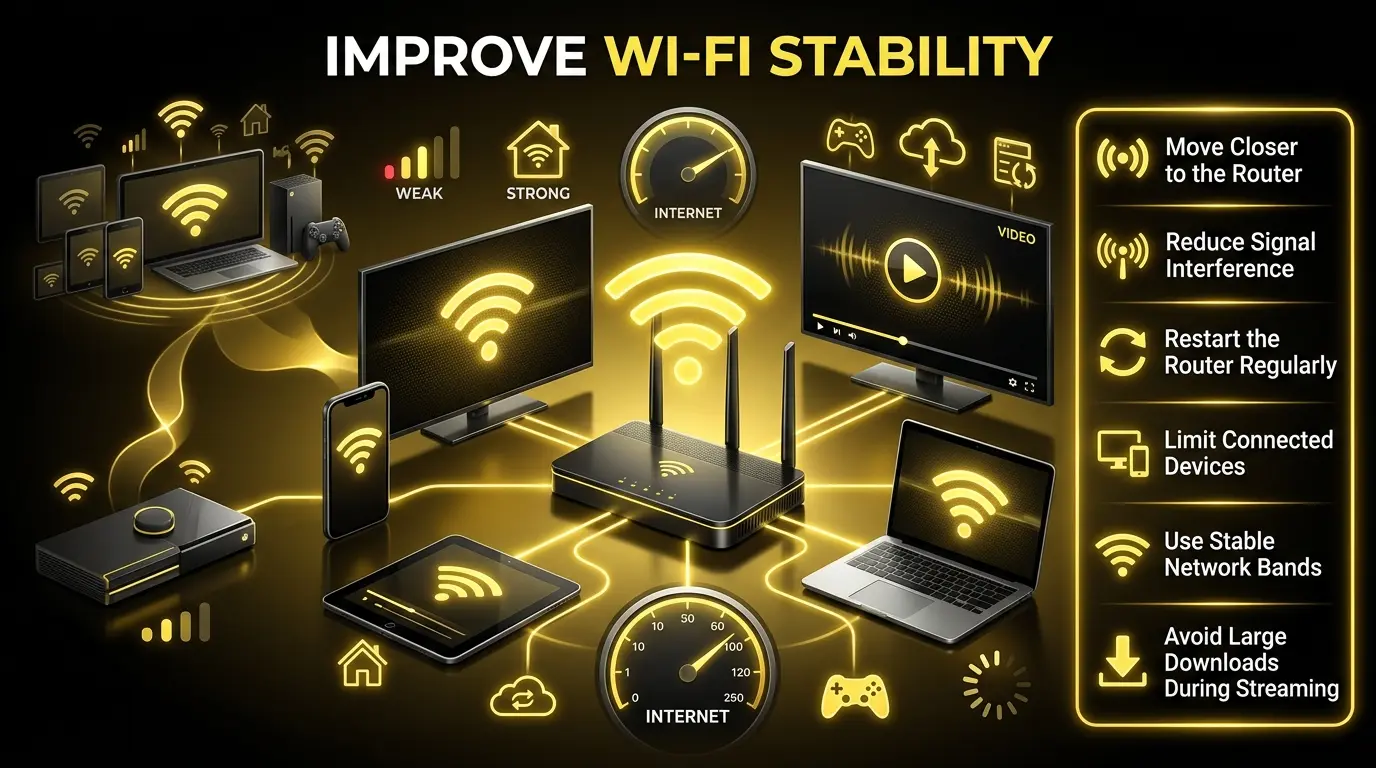
To improve Wi-Fi stability:
In many homes, multiple devices compete for bandwidth simultaneously. Phones, gaming systems, cloud backups, software updates, and smart home devices may all consume network resources in the background.
Reducing network congestion often improves playback smoothness significantly.
Lower Streaming Quality When Necessary
High-definition and ultra-high-definition video require more bandwidth and device processing power.
If a network or device struggles to maintain consistent playback, reducing video quality may help stabilize streaming performance.
For example:
Many streaming applications automatically adjust playback quality depending on network conditions. However, manually lowering video quality can sometimes reduce lag immediately.
This does not always mean sacrificing the entire viewing experience. Stable HD playback is often better than unstable ultra-high-definition playback with constant interruptions.

Clear Cache and Temporary Data
Most streaming platforms store temporary files to improve loading speed and playback performance.
Over time, however, excessive cache accumulation may create conflicts that affect app responsiveness.
Common symptoms include:
Clearing temporary cache files periodically may help restore smoother performance.
Cache optimization is especially important for:
Temporary data corruption may also occur after software updates or prolonged app usage.

Close Background Applications
Many users unknowingly keep multiple applications running while streaming content.
Background apps may consume:
Social media apps, downloads, automatic updates, cloud synchronization systems, browsers, and gaming applications can all reduce streaming performance.
Closing unnecessary background tasks often improves:
This is especially important for budget devices with limited hardware resources.
On mobile devices, background processes may continue refreshing automatically even when apps are not actively being used.

Keep Devices and Apps Updated
Outdated software can sometimes create compatibility problems that affect streaming stability.
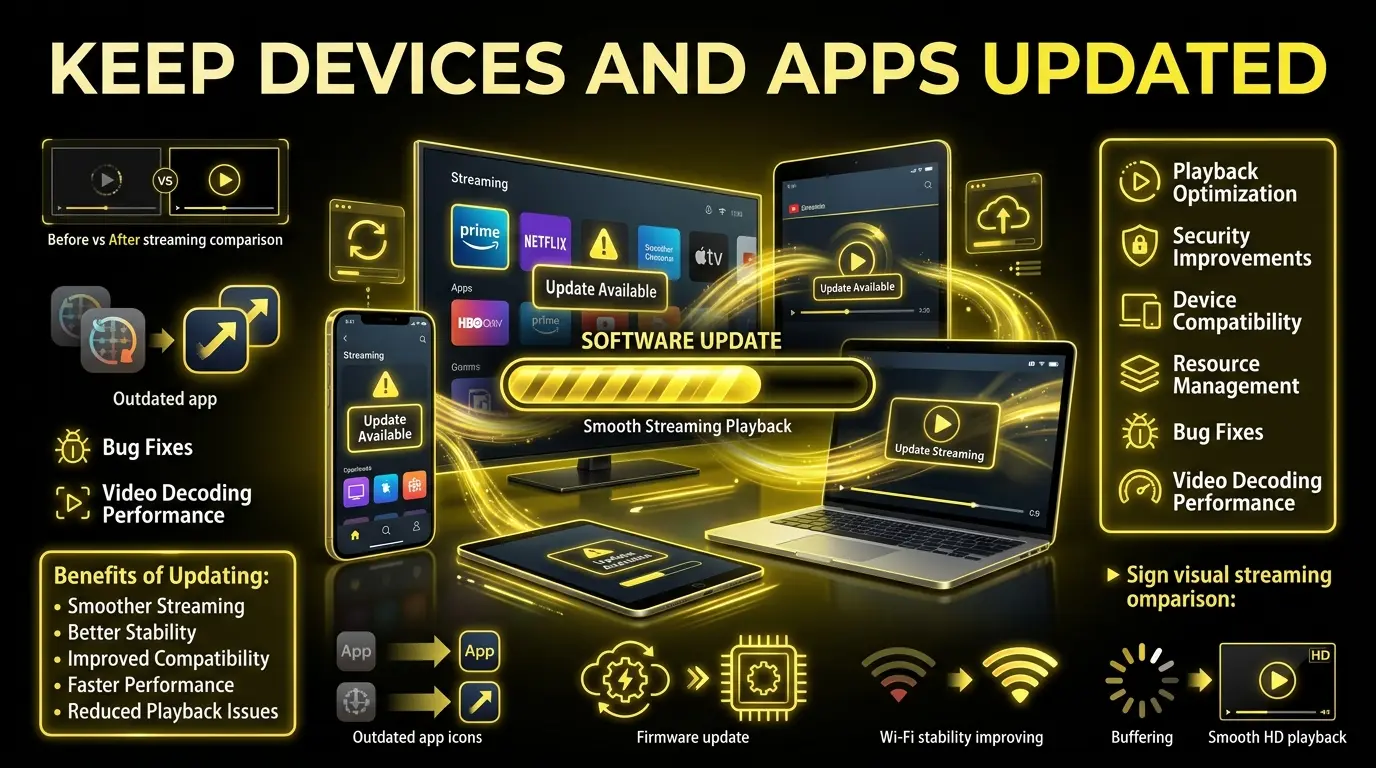
Modern streaming platforms frequently release updates to improve:
Older app versions may struggle to maintain smooth playback on updated operating systems.
Similarly, outdated device firmware may create network instability or performance limitations.
Keeping both the streaming application and device software updated helps maintain compatibility and improve overall streaming reliability.
Prevent Device Overheating
Overheating is one of the most overlooked causes of video lag.
When devices become too hot, processors may automatically reduce performance to prevent hardware damage. This process is commonly known as thermal throttling.
As performance decreases, users may notice:
Streaming for long periods, especially at high quality settings, can increase device temperature significantly.
To reduce overheating:
Overheating problems are especially common on older phones, Smart TVs, and low-powered streaming hardware.

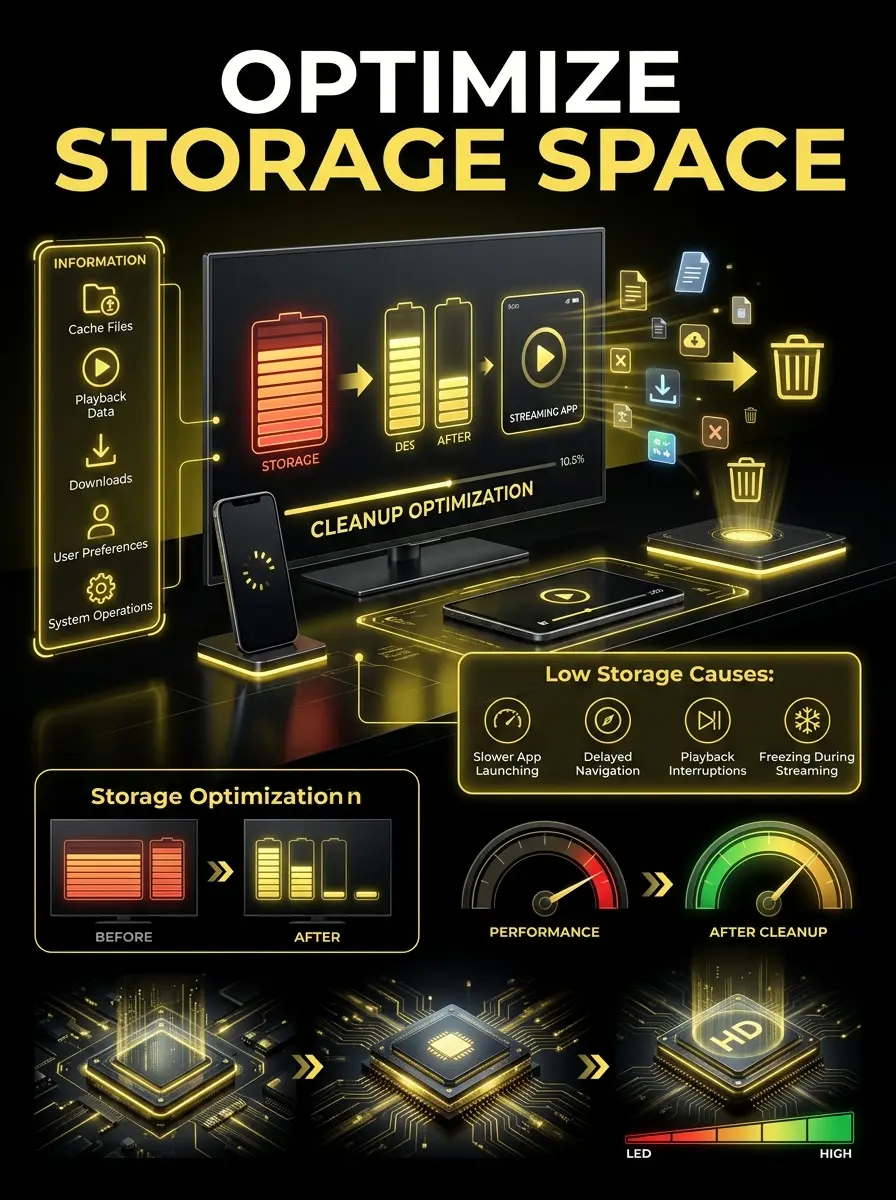
Optimize Storage Space
Low storage availability can negatively affect streaming applications.
Streaming platforms often require temporary storage for:
When storage becomes nearly full, device performance may decrease significantly.
Common effects include:
Removing unnecessary files, unused applications, and old downloads may improve overall device responsiveness.
Storage optimization also helps operating systems manage temporary streaming processes more efficiently.
Use Stable Streaming Conditions Across Devices
Many users switch between phones, TVs, tablets, desktops, and streaming boxes while watching content.
Different devices handle playback differently depending on hardware strength, software optimization, and network capabilities.
Maintaining stable streaming settings across multiple platforms can help improve consistency and reduce playback interruptions.
Future systems such as YouCine Multi-Device Support may help users better manage compatibility, playback stability, and streaming performance across supported devices.
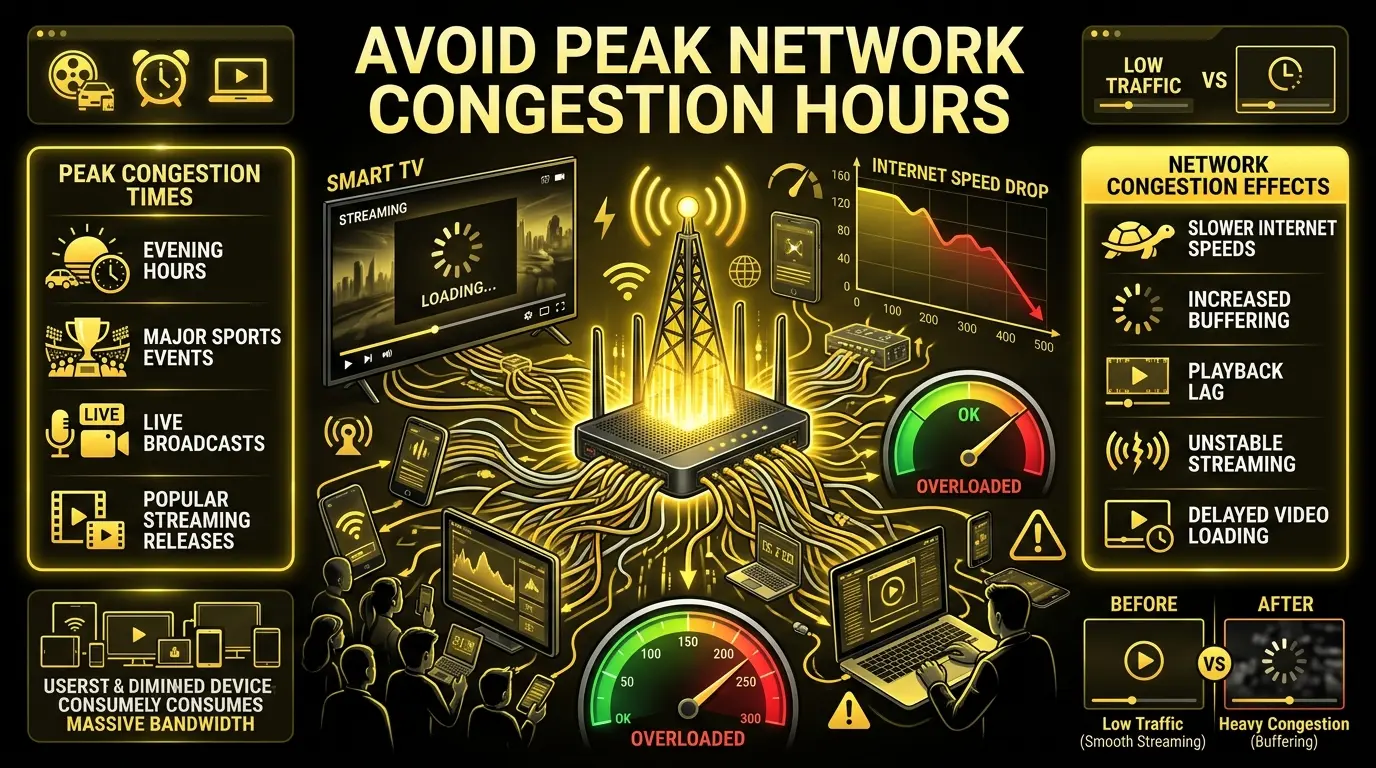
Avoid Peak Network Congestion Hours
Internet performance often changes depending on network demand.
During peak hours, internet providers may experience increased congestion because many users are online simultaneously.
This commonly happens during:
Even strong internet plans may temporarily slow down during heavy traffic periods.
If playback lag becomes frequent at specific times of day, network congestion may be contributing to the problem.
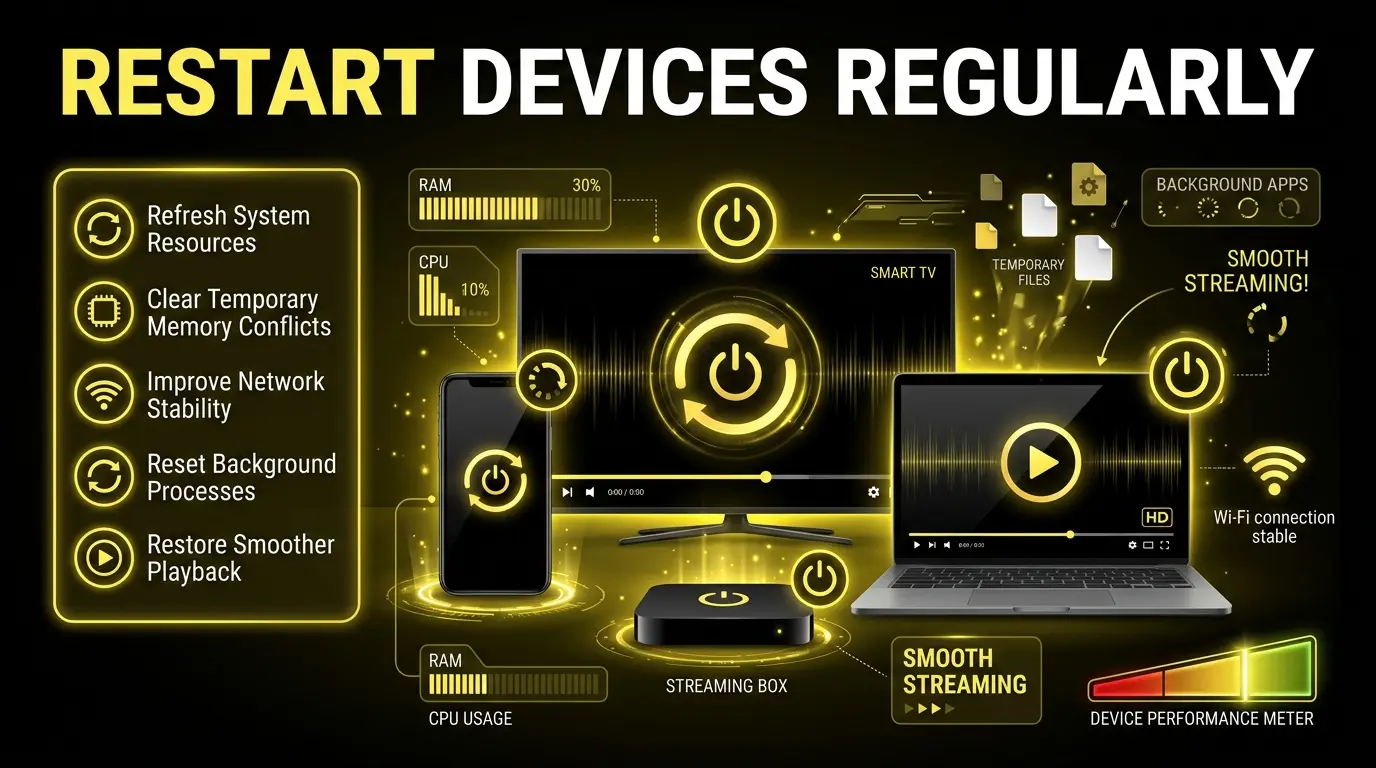
Restart Devices Regularly
Simple device restarts are often underestimated.
Over time, devices accumulate temporary processes, memory usage, and background activity that may reduce streaming performance.
Restarting devices may help:
This is one of the easiest ways to improve general device responsiveness without changing advanced settings, especially for users exploring platforms like YouCine for streaming.
Conclusion
Video lag can significantly affect streaming quality and make online viewing frustrating. Fortunately, most playback issues can often be improved through practical optimization methods rather than complicated technical changes.
Understanding how to reduce video lag streaming helps users identify the real causes behind unstable playback, including network instability, overheating, background activity, storage limitations, and outdated software. In many cases, improving streaming performance simply requires better device management, stable internet conditions, and proper optimization habits.
As streaming technology continues evolving across phones, TVs, tablets, and desktops, maintaining stable playback conditions will remain important for achieving a smoother and more reliable viewing experience.