YouCine Old Versions: Should You Downgrade? Read This First (2026)
Old builds feel familiar — but they break, they age, and some are traps. Here is the full picture before you downgrade.
Quick Answer
In almost every case, no — downgrading YouCine is not worth it. Old versions (like the 1.15.x and 1.16.x builds people search for) gradually stop connecting, miss security and bug fixes, and the files offered online are unverifiable. The current version is v1.17.6. If a recent update caused a problem, the fixes in this guide solve it without going backwards.
Every month, thousands of people search for YouCine old versions — a specific build like 1.15.4, or just “the previous version”. The reasons are understandable, and this page takes them seriously: it explains why old versions stop working, what downgrading actually involves, the risks nobody mentions, and the better fix for the problem that sent you searching.
Why People Look for Old Versions of YouCine
- An update changed the layout or a feature they liked.
- The newest version feels buggy on their device.
- Their phone, TV or box is old, and they assume an old app will run lighter.
- A video or forum post recommended a specific old build.
- They hope an old version avoids a subscription or login prompt.
All reasonable instincts — but each one has a catch, starting with the biggest:
Why Old YouCine Versions Stop Working
Streaming apps are clients of a server. When the service changes its servers, formats or sign-in system, old builds are left talking to doors that no longer exist. That is why an old version rarely fails all at once: first some titles refuse to load, then search or login breaks, then nothing plays. Along the way it also misses every bug fix and security patch released since. An old version is not a stable time capsule — it is an app slowly expiring.
How to Check Which Version You Have
Before changing anything, find out where you stand:
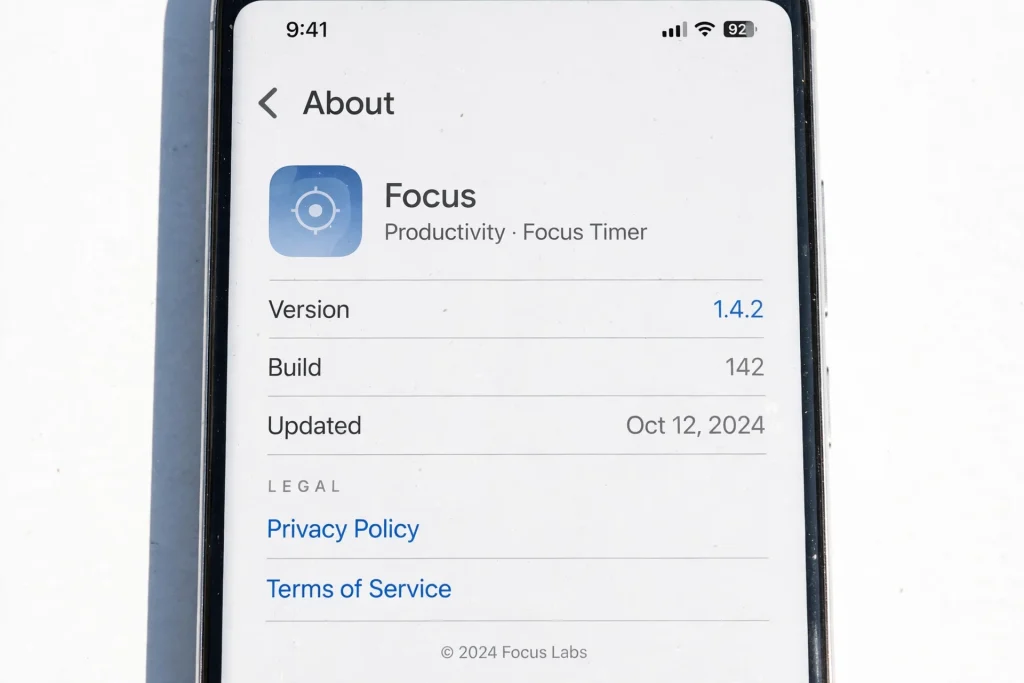
- Inside YouCine: open the app’s Settings/About area — the version is shown there.
- On Android phones and TV boxes: Settings → Apps → YouCine — the version appears under the app name.
- On Firestick: Settings → Applications → Manage Installed Applications → YouCine.
- Compare it with the current version: v1.17.6 (43 MB, needs Android 5.0+). If yours matches, you are up to date and any problem you have is not a version problem — our Not Working guide is the right page.
What Downgrading Actually Involves (and Its Hidden Costs)
There is no “install previous version” button. Downgrading means: uninstalling the current app (losing your settings, favourites and sign-in), finding an old APK somewhere online, and installing that. The hidden costs:
- Data loss: uninstalling wipes the app’s data; there is no official backup to restore.
- Unverifiable files: this site does not host old versions, and neither does any official channel — every old file online comes from a third-party uploader you cannot check (our safety guide shows what modified files can hide).
- Signature conflicts: if the old file’s signature differs from what you had, the install fails outright with “App not installed”.
- Expiry: even a successful downgrade usually works only until the next server change — then you repeat the whole process.
What to Do Instead (For Each Reason People Downgrade)
“The new version is buggy on my device”
Clear the cache, restart the device, and reinstall the CURRENT version cleanly from the download page (uninstall, restart, install fresh). A clean install of the latest build fixes most “the update broke it” cases, because the real culprit is usually leftover data from the old build. The step-by-step order is in Fix 12 of the Not Working guide.
“My device is old and weak”
Version age is not what makes an app heavy — settings are. Lower playback quality, clear cache weekly, and keep 500 MB free. On PC, choose a lightweight emulator (LDPlayer) as our PC guide describes. An old app on an old device still needs the same servers, so it ages worst of all.
“I preferred the old layout”
Fair — but layouts are the developer’s choice and old builds cannot be kept alive by preference. Give the new layout a few days; muscle memory returns faster than an expired app does.
“I want to avoid a login or subscription prompt”
An old version does not change account rules, and builds that promise to bypass them are modified files — the most dangerous kind (see the safety guide). Account questions deserve honest answers, not a downgrade.
YouCine Versions at a Glance
- Current: v1.17.6 — 43 MB, Android 5.0+, the only version this site recommends and documents.
- Recent older builds (1.16.x range): may still open, but receive no fixes and can stop connecting without warning.
- Older builds (1.15.x range, including the much-searched 1.15.4): effectively expired for most users; files online are unverifiable.
- Anything older: of historical interest only.
Notice what is NOT in that list: download links. That is deliberate — linking old APKs would put readers at risk, and any site that does link them should be read with the safety checklist in hand.
Versões Antigas do YouCine (Português)
Procurando uma versão antiga do YouCine, como a 1.15.4? Versões antigas param de conectar com o tempo, perdem correções de segurança e os arquivos encontrados em sites de terceiros não podem ser verificados. A versão atual é a v1.17.6. Se uma atualização recente causou algum problema, limpe o cache e reinstale a versão atual a partir de youccine.com/download — isso resolve a maioria dos casos sem precisar voltar para uma versão antiga.
How to Update to the Latest Version (The Safe Direction)
Updating is the direction that keeps everything working:
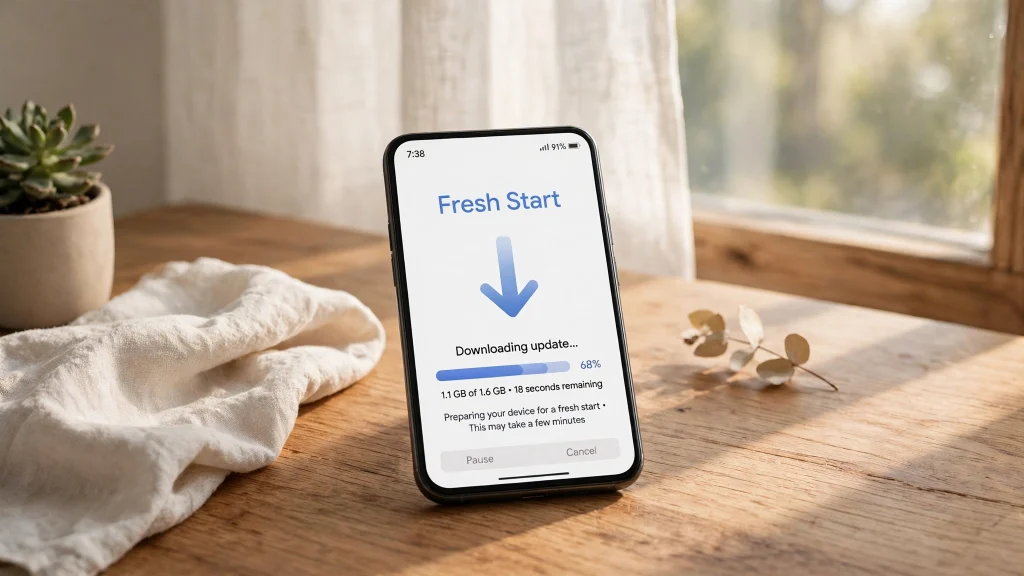
- Open youccine.com/download on the device (or in Downloader on Firestick/TV box).
- Download the current APK (v1.17.6, 43 MB).
- Install it OVER your existing app — settings and favourites carry over; do not uninstall first.
- Open YouCine and confirm the new version in Settings. Device-by-device steps live in our guides: Mobile and Firestick.
Frequently Asked Questions
No. This site links only the current version (v1.17.6) from the official download page. Old files offered elsewhere are uploaded by third parties and cannot be verified — treat them with the safety checklist in our Is YouCine Safe? guide.
Server changes. Streaming apps depend on the service’s current systems; when those change, old builds lose the ability to load, search or sign in. Updating is the only real fix.
No. Account rules are enforced by the service, not by your app version — and files that claim to bypass them are modified, which is the riskiest kind of download.
A signature conflict or a corrupted old file. Uninstall completely, restart the device, and install the current version from the official download page instead.
Not meaningfully. Playback quality settings, cache size and free storage decide performance far more than version age — and old builds break sooner.
Check the version shown on the official download page against the version in your app’s settings (the steps above). This site updates its guides to the current version.
Final Thoughts
Old versions are an understandable temptation and a poor solution: they expire, they cannot be verified, and they usually fail at the exact moment you want to watch something. Whatever sent you searching — a bug, a weak device, a layout change — has a fix that keeps you on the current, supported build. Start with the official download page and the checklist above, and your future self will not be searching this page again next month.