YouCine Error Codes & Messages Explained: What Each One Means and the Fix
“App not installed.” “There was a problem parsing the package.” A video that fails with no explanation at all. Android and YouCine speak in short, cryptic sentences — this page is the translator: every common message, what it means, and the fix that matches it.
Quick Answer
YouCine rarely shows numbered error codes — almost every message you will meet comes from Android’s installer or describes a playback symptom. The big three: “App not installed” means Android refused the file (a signature clash with an older copy, a corrupt download, or full storage). “Problem parsing the package” means the file cannot be read (damaged download, or Android older than 5.0). Playback and loading failures are connection, source or ISP problems — not file problems. Find your message below; each entry ends with its fix and the full guide.
A warning before the list: there is no official YouCine error-code table. The exact wording on your screen can differ slightly between builds and Android versions — and sites listing long tables of numbered “YouCine codes” are, frankly, inventing them. What IS stable, and what this page covers, are the two things users actually see: Android’s system install messages (identical for every APK) and the recurring symptom messages during playback and sign-in. Match your message below — or match its category, which leads to the same fix.
Install-Time Errors (Where Most Messages Live)
These come from Android, not from YouCine itself, and appear before the app ever opens.
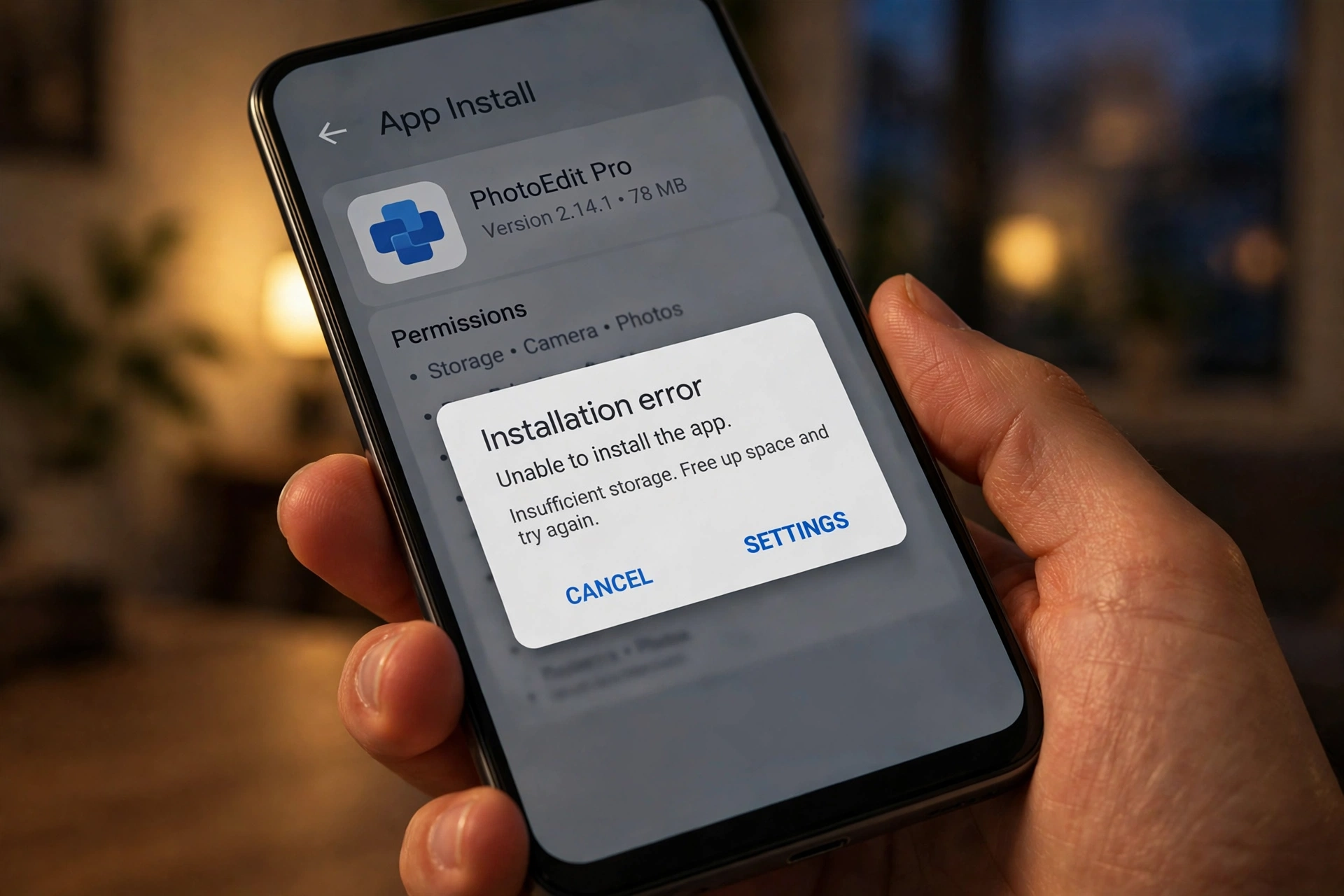
“App not installed” — Android’s generic refusal; one message covering several causes. Most likely, in order: a signature clash with a copy already installed, a corrupted download, or too little free storage. Short fix: uninstall any old copy, restart, free at least 500 MB and re-download the current file (v1.17.6, 43 MB). Full treatment: App Not Installed guide.
“There was a problem parsing the package” (parse error) — the installer could not even read the file. Causes: an interrupted download, a file renamed or half-copied (a classic with USB transfers), or Android below 5.0. Short fix: delete the file, re-download it untouched from the official page, confirm ~43 MB, and check your Android version. Covered inside the App Not Installed guide.
“App not installed as package conflicts with an existing package” — the signature clash, stated openly. Every app carries a signing certificate, like a fingerprint; an update is accepted only if the new file’s fingerprint matches the installed copy’s. A file from a different source has a different one (Android’s logs call this INSTALL_FAILED_UPDATE_INCOMPATIBLE). Short fix: uninstall the old copy, restart, install the fresh file — and afterwards always update from the same source.
“App not installed as package appears to be invalid” — the file itself fails inspection: unsigned, modified after signing, or not a real APK at all. Short fix: do not try to force it. Delete it and use only the clean current file from the official download page — an “invalid” verdict is the system protecting you.
“Installation blocked” / a Play Protect warning — the installer or Play Protect stopped the install. Read the prompt: a generic “unknown app” notice on a file from the official page offers “Install anyway”; a stronger HARMFUL verdict means stop, delete it and re-download. Never disable Play Protect entirely to push an install through.
The install quietly refuses an older file (version downgrade) — install an older YouCine over a newer one and Android refuses (INSTALL_FAILED_VERSION_DOWNGRADE in the logs). Short fix: keep the newer build, or uninstall it first if you deliberately need the older one — safe method: Update guide.
App Opens — or Crashes Trying
“YouCine has stopped” / “YouCine keeps stopping” — Android’s standard crash message (the wording is the system’s, whatever app name fills the blank). Likely causes: corrupted cache or app data, a build too old for changed servers, or a device out of storage and memory. Short fix: clear the cache, update to v1.17.6, restart; if it persists, a clean reinstall. Ordered ladder: Not Working guide.
The app opens but nothing loads — endless spinner, empty lists — the app cannot reach its servers. The dividing test: if it fails on mobile data AND Wi-Fi, suspect a service-side problem or blocking wave; if only on home Wi-Fi, it is your ISP or DNS. Fixes per cause: Not Loading / ISP guide.
Playback Messages and Symptoms
Playback failed / the video will not start — the chosen source is dead or unreachable. Short fix: try another source or title first (if everything fails, it is not the title), then lower the quality and retry. Full diagnosis: Buffering guide.
Endless buffering — the stream cannot stay ahead of playback: connection speed or stability, a congested Wi-Fi band, or an overloaded source. Yardstick: HD needs about 10 Mbps of free speed, 4K about 25 Mbps. Short fix: drop one quality level, move closer to the router or use a cable, and change source. Full ladder: Buffering guide.
Black screen — sound plays, no picture — a display conflict, not a dead app. Short fix: clear cache, update, and work the per-device fixes in our Black Screen guide.
No sound — or sound in the wrong language — usually a silent or unexpected audio track on that title. Short fix: switch the audio track inside the player during playback, and check both volumes (device and TV). Full ladder: No Sound guide.
Subtitles missing — the title may carry no track in your language, or subtitles are off for it. Short fix: check the subtitle options during playback and try another track; availability varies per title. Full guide: Subtitles Not Working.
Account Messages
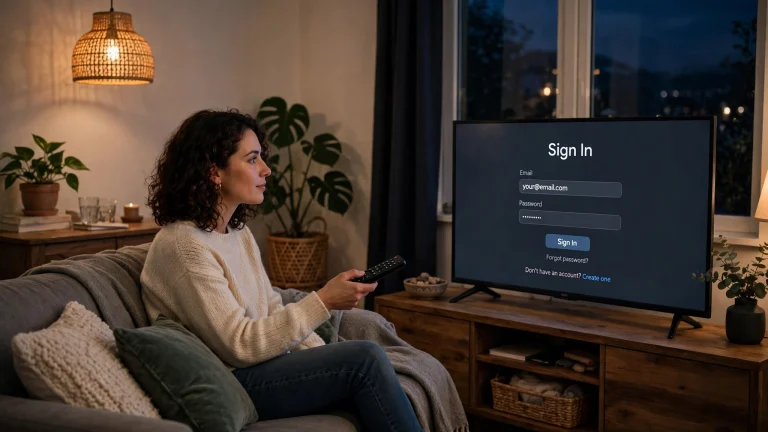
Login rejected — correct details, still refused — likely causes: a genuinely wrong password (they are case-sensitive), an expired plan masquerading as a login error, or an account-side problem. Short fix: retype carefully, confirm the plan is active, and follow the recovery steps — plus the scam warnings — in our Login Problems guide.
Which Guide Do I Need? (30-Second Routing)
- Install fails → App Not Installed.
- App crashes or will not open → Not Working (12 fixes).
- Nothing loads, especially on home Wi-Fi only → Not Loading / ISP Block.
- Videos stutter → Buffering.
- Picture or sound broken → Black Screen or No Sound.
- Sign-in broken → Login Problems.
- It began after an update → Update guide.
Códigos de Erro do YouCine (Português)
O YouCine quase não usa códigos numéricos — a maioria das mensagens vem do instalador do Android. As principais: “App não instalado” = o Android recusou o arquivo (conflito de assinatura, download corrompido ou armazenamento cheio): desinstale a cópia antiga, reinicie e baixe o arquivo atual (v1.17.6, 43 MB). “Problema ao analisar o pacote” = arquivo ilegível: baixe de novo, sem renomear. “O YouCine parou” = travamento: limpe o cache e atualize. Vídeo que não carrega só no Wi-Fi de casa = bloqueio da operadora/DNS.
Frequently Asked Questions
Not in any published, verifiable form. Most messages users see are Android’s system install messages or plain symptom descriptions, and the wording can vary by build. Match your message by category instead, using the list above.
“App not installed” — and within it, the signature clash: an older copy from a different source is already on the device. Uninstall it, restart, and install the current file from the official download page.
The installer could not read the file at all: it is corrupted or incomplete, was renamed or half-copied, or your Android is below 5.0. Re-download the untouched file and check its size (~43 MB).
Because the new file’s signing certificate (its fingerprint) differs from the installed copy’s. Android only accepts updates signed the same way. The only fix is uninstalling the old copy first.
Speed is not the whole story: that title’s source may be down, or your connection is unstable rather than slow. Try another source or title; if everything fails on home Wi-Fi only, work through the ISP guide.
O Android recusou o arquivo — em geral por conflito de assinatura com uma cópia antiga, download corrompido ou pouco armazenamento. Desinstale a cópia antiga, reinicie o aparelho e instale o arquivo atual da página oficial.
Final Thoughts
Error messages feel like a wall because each one is a sentence with the explanation removed. Put the explanation back — signature, file, storage, connection, account — and every message routes to exactly one fix and one guide.